Power Bank for Travel: 9 Checks Before You Buy
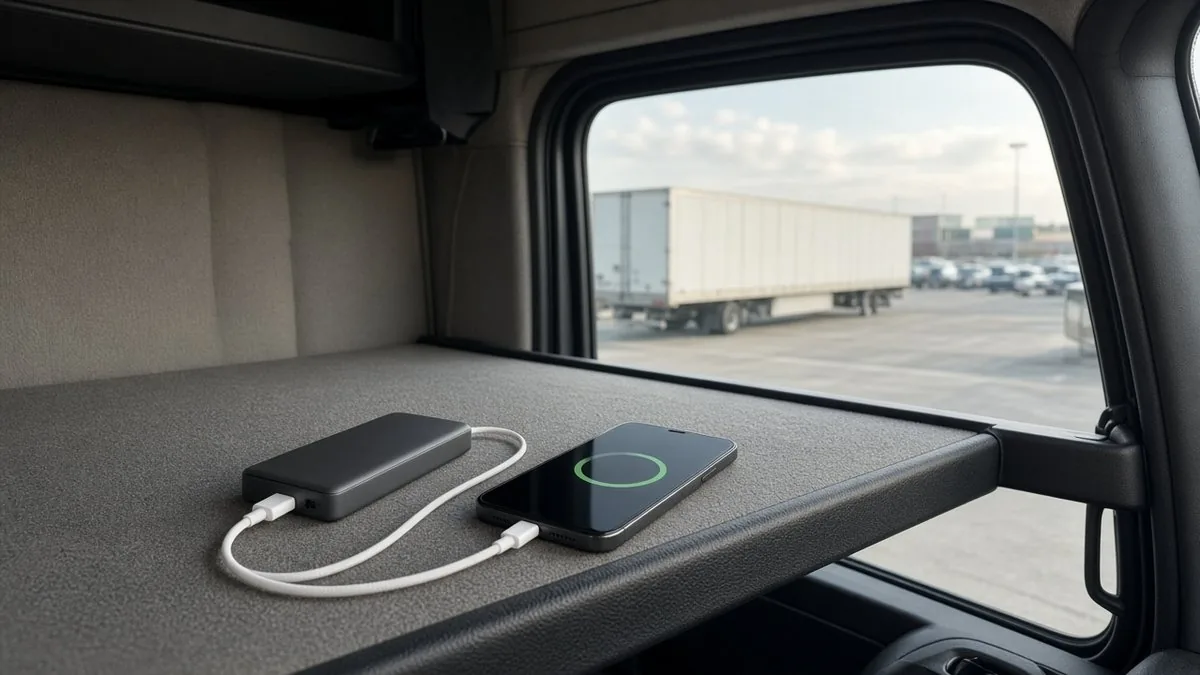
A power bank should solve one simple problem: keeping your phone or other essentials charged when an outlet is nowhere nearby. This power bank for travel buying guide walks through nine practical checks so you do not pay for capacity, ports or features you will never use. Start with the devices you actually carry, then work backward to the battery.
For a weekend drive, a pocket-size phone backup may be plenty. For a laptop, camera kit or long day away from outlets, the details matter more. And if you are flying, airline battery rules deserve attention before you pack.
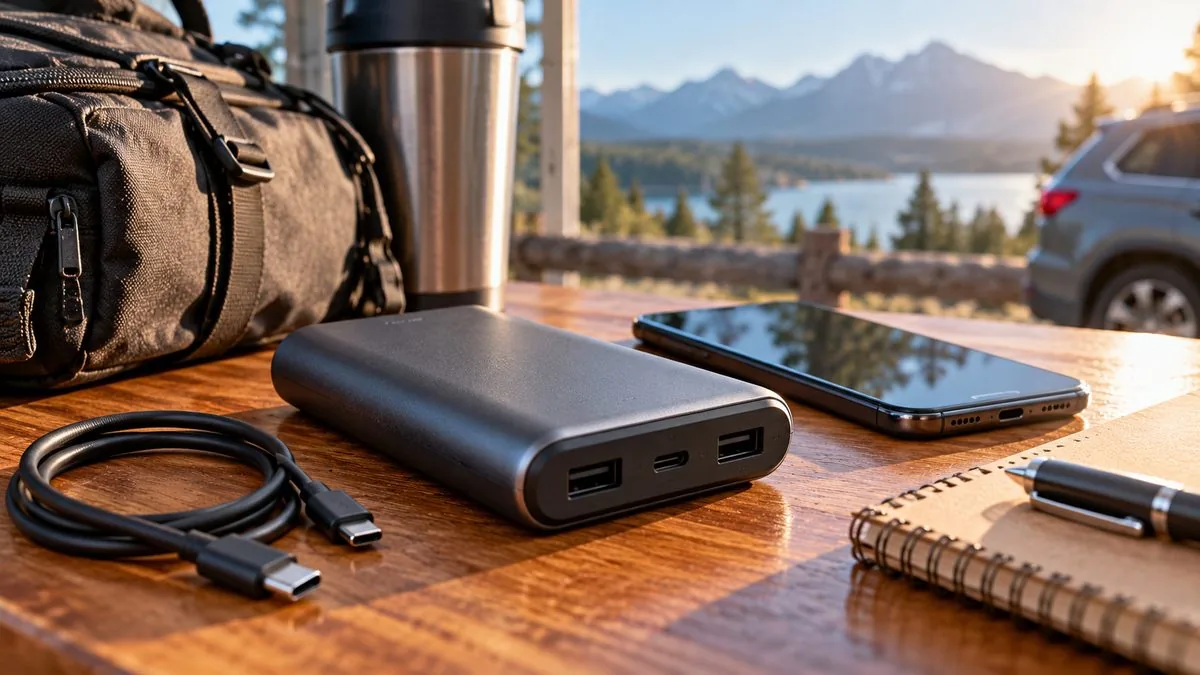
Power bank for travel buying guide: nine buying checks
1. List the devices you need to charge
Write down your phone, tablet, headphones, camera or laptop, and identify which ones really need backup power. A small battery that keeps a phone available for maps and calls may be more useful than a heavy pack purchased for a hypothetical emergency. Look at the charging input listed by the device maker; a power bank cannot deliver a charging mode that the device does not support.
One portable charger to compare is the Anker portable charger. Check connector compatibility and recharge it before every trip.
2. Understand mAh versus watt-hours
Capacity labels often show milliamp-hours (mAh). That is useful for comparing packs built around similar battery voltages, but watt-hours (Wh) describe stored energy more directly. For a rough conversion, multiply amp-hours by the rated battery voltage: Wh = (mAh ÷ 1,000) × V. A 20,000 mAh battery rated at 3.7 V is about 74 Wh. Always use the maker's actual Wh marking when available.
Do not assume the full advertised capacity reaches your phone. Voltage conversion, heat, cable losses and charging electronics use some of the energy. Product claims such as 'charges a phone five times' depend on the phone, the test conditions and the pack's usable output.
3. Match USB-C output to the device
A USB-C port alone does not guarantee fast charging. Check the maximum output in watts and whether the bank supports the charging protocol your phone, tablet or laptop needs, such as USB Power Delivery (USB PD). A bank with a high total wattage may deliver less through any one port, especially when multiple devices are connected.
For a laptop, compare the bank's single-port output to the laptop maker's charging recommendations. Some computers may charge slowly or only while sleeping from a lower-power bank. Buy based on documented compatibility rather than a big wattage number printed on the box.
4. Check the cable before blaming the battery
The cable can be the weak link. Make sure its connector, power rating and condition suit your device. A damaged cable or loose connector can turn an otherwise good setup into a frustrating one. If charging in the vehicle has already been slow, read Phone Charging Slowly in the Car? Check This Before Buying More Gear before buying another accessory.
5. Look at input charging speed, too
Output tells you how quickly the bank may charge a device. Input tells you how quickly the bank itself can refill. A large pack with slow input can take an inconveniently long time to recharge between travel days. Check the manufacturer's input wattage and use a compatible wall charger and cable. Charging times are estimates, not promises.
6. Decide how many ports you really need
Two useful ports may beat four awkwardly placed ones. Check whether the USB-C port handles both input and output, whether USB-A is needed for older accessories, and what happens to the power split when two devices charge at once. A built-in cable is convenient only if its connector matches your gear and it can be replaced or managed when worn.
7. Check airline rules before you fly
The Federal Aviation Administration says spare lithium batteries, including power banks, belong in carry-on baggage rather than checked bags. Its general U.S. guidance allows power banks up to 100 Wh, with airline approval required for certain larger batteries up to 160 Wh. Individual airlines can set stricter limits, including quantity, storage and in-flight use restrictions. Always check the specific airline's current policy before departure.
If your carry-on gets gate-checked, remove the power bank and keep it in the cabin. Protect it from damage and short circuits. See the FAA PackSafe lithium battery guidance for the official baseline; airline rules may be more restrictive.
8. Take safety markings and recalls seriously
Choose a reputable seller with clear manufacturer information, instructions, a stated battery rating and a straightforward warranty. Look for credible independent safety certification and verify suspicious marks rather than assuming a logo proves testing. UL Solutions describes UL 2056 as a power-bank safety standard covering risks such as overcharging, short circuits, impact and thermal safety.
Free every Sunday
Get the free Sunday Roundup
Trucking headlines, road stories, useful gear finds and a few laughs, in your inbox every Sunday.
Do not use a battery that is swollen, leaking, unusually hot, damaged or recalled. Keep it away from excessive heat, including a vehicle parked in strong sun, and follow the maker's charging and storage instructions. Check the UL Solutions power-bank safety guidance and the CPSC recall search if you have concerns about a particular model.
9. Balance size, weight and real value
A heavy battery left at home is not much of a travel tool. Compare the pack's dimensions and weight with your jacket pocket, purse, backpack or vehicle organizer. Then compare the cost of the features you will actually use: useful ports, realistic capacity, safe construction and a clear return policy. Do not let a holiday discount push you into an oversized purchase.
If you need to power appliances rather than recharge small electronics, that is a different category. Start with Portable Power Station for Road Trips: 8 Things to Check before comparing much larger batteries.
Three sensible power-bank shopping scenarios
Phone backup for everyday travel
A compact USB-C power bank with clearly labeled watt-hours can be a sensible everyday backup for a phone, provided its output matches the device. Prioritize easy packing and reliable charging over the largest advertised capacity.
Tablet or compatible laptop travel
A higher-output USB-C PD power bank can be useful for compatible tablets and laptops, but check both the laptop's input needs and the bank's per-port rating. Verify the cable and charger before assuming the pack can replace a wall outlet.
Anker lists its A1695 Laptop Power Bank with 25,000mAh capacity and up to 100W output from a compatible single USB-C connection. Check that against your laptop's charging needs before treating it as a wall-charger replacement.
Road trip bag with multiple devices
A short, well-made USB-C cable rated for the charging power you need is often as important as the battery itself. Add a simple organizer so the cable and power bank do not disappear under snacks and spare clothes. The Road Trip Packing List (Free Printable Checklist) can help you check the rest of your essentials.
For the cable, the Anker 643 USB-C to USB-C cable is a flexible silicone option. Choose the right length and check that its connectors and charging rating suit your devices.
What I would skip
Skip mystery-brand packs with vague capacity claims, unverified certification marks, missing watt-hour labels, unclear return terms or a price that only looks attractive because the seller invented a high 'regular' price. Skip magnetic or wireless features if your phone cannot use them. A dependable, ordinary charger beats a flashy paperweight.
If you are planning holiday purchases, Black Friday GoPro Deals 2026: What to Buy and Skip explains how to compare the real buying decision rather than chase a discount banner.
Gear mentioned in this post
- Anker portable charger: check connector compatibility and recharge it before every trip.
- Anker A1695 Laptop Power Bank: check the per-port output against your laptop's charging needs.
- Anker 643 USB-C to USB-C cable: choose the right length and check your device ports.
Frequently asked questions
Is a 10,000 mAh power bank enough for travel?
It may be enough for a phone backup, depending on your phone's battery, the pack's actual usable energy and how often you need to recharge. For a laptop or several devices, compare watt-hours and output ratings instead of relying on mAh alone.
Can I put a power bank in checked luggage?
No. Under FAA guidance, spare lithium batteries and power banks must travel in carry-on baggage. Check your airline's current restrictions as well.
Does a USB-C port mean a power bank will fast-charge my laptop?
No. USB-C is a connector; charging speed depends on the power bank, cable, charging protocol and laptop requirements. Check the rated watts available from the specific port.
Can I leave a power bank in a hot car?
Avoid prolonged exposure to extreme heat. Follow the manufacturer's temperature and storage instructions and never use a damaged or swollen battery.
Keep your travel checklist practical
A power bank is useful when it matches the way you travel. Before buying, confirm the devices, power ratings, airline requirements and safety information. Then pack it somewhere you can actually find it when your phone battery starts dropping.
Want more practical road-trip and everyday-gear tips? Visit the Trucker Curtis newsletter and sign up for the Sunday email.
Sources and further reading
FAA PackSafe: lithium batteries — official guidance for flying with spare lithium batteries and power banks.
UL Solutions: power-bank safety testing — information about UL 2056 and power-bank testing.
U.S. Consumer Product Safety Commission recalls — check specific product recall notices.
Get more car and road-trip tips
For practical checklists and helpful buying advice, sign up for the Trucker Curtis newsletter.